4.6/5 – Excellent
Divi Accordions Plus is your solution for creating improved Divi accordions. With a range of features, you can tailor your accordions to perfection. Choose between single or multiple open accordion items. Additionally, activate the Global Accordion Mode to ensure only one expanded accordion item exists across multiple accordion modules on the page.
The “Scroll Into View” feature introduced in v1.7 allows you to set the accordion item to scroll into view after expanding, and also to set the top offset for it. This feature is especially useful for when the accordion items have lots of content.

Divi Accordions Plus Features
Divi Accordions Plus extension allows you to create better Divi accordions. Set the accordion items opening/closing speed, use the accordion item subtitle and left/right icons(images), customize each and every element, control responsive visibility of different elements, and so much more!
Accordion Mode
Allow either single or multiple open accordion items.
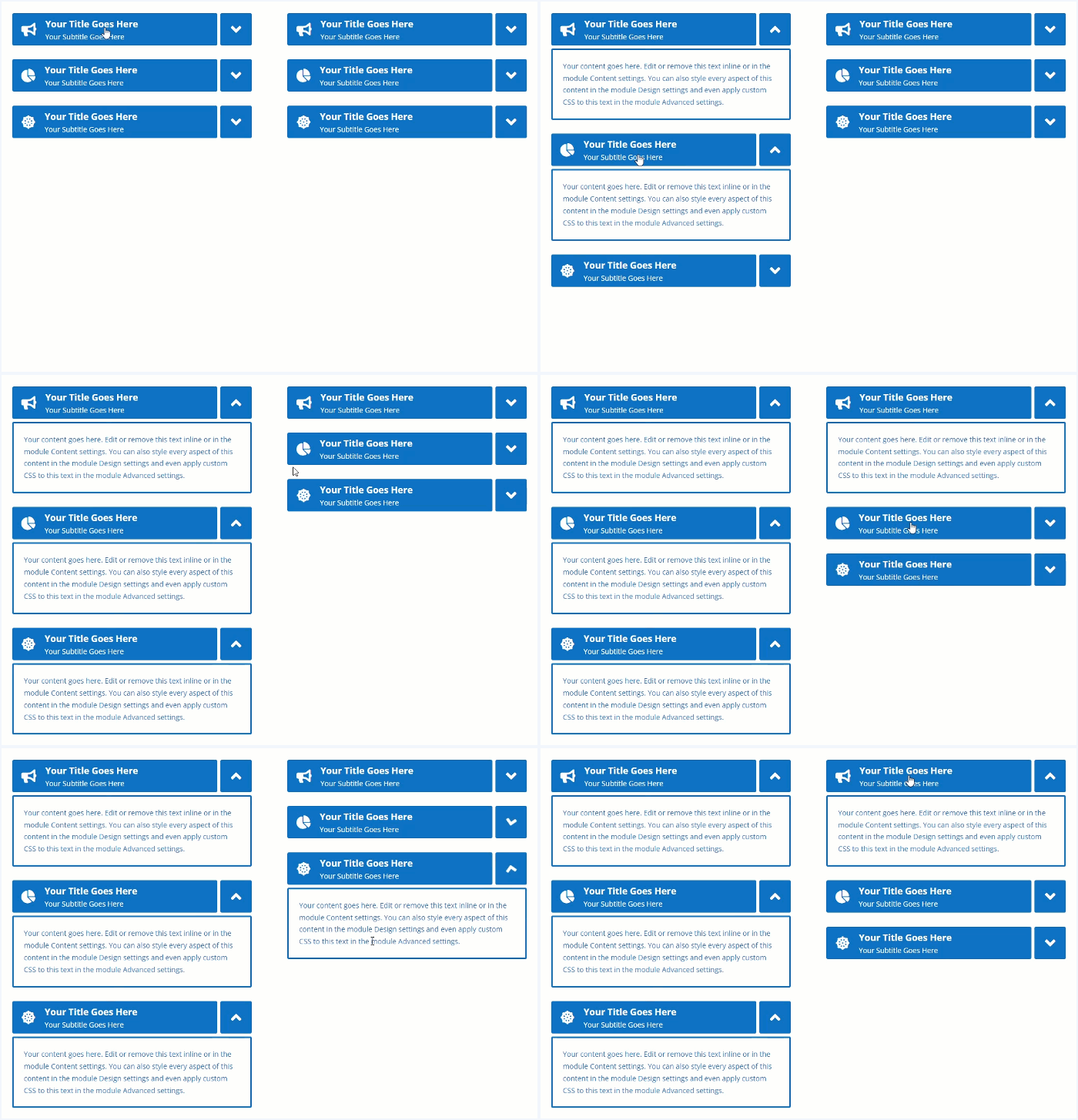
Global Accordion Mode
The Global Accordion Mode feature allows having only one expanded accordion item across multiple accordion modules on the page that have this feature enabled. Good for creating multi-column accordions (for example, FAQs section, etc.).
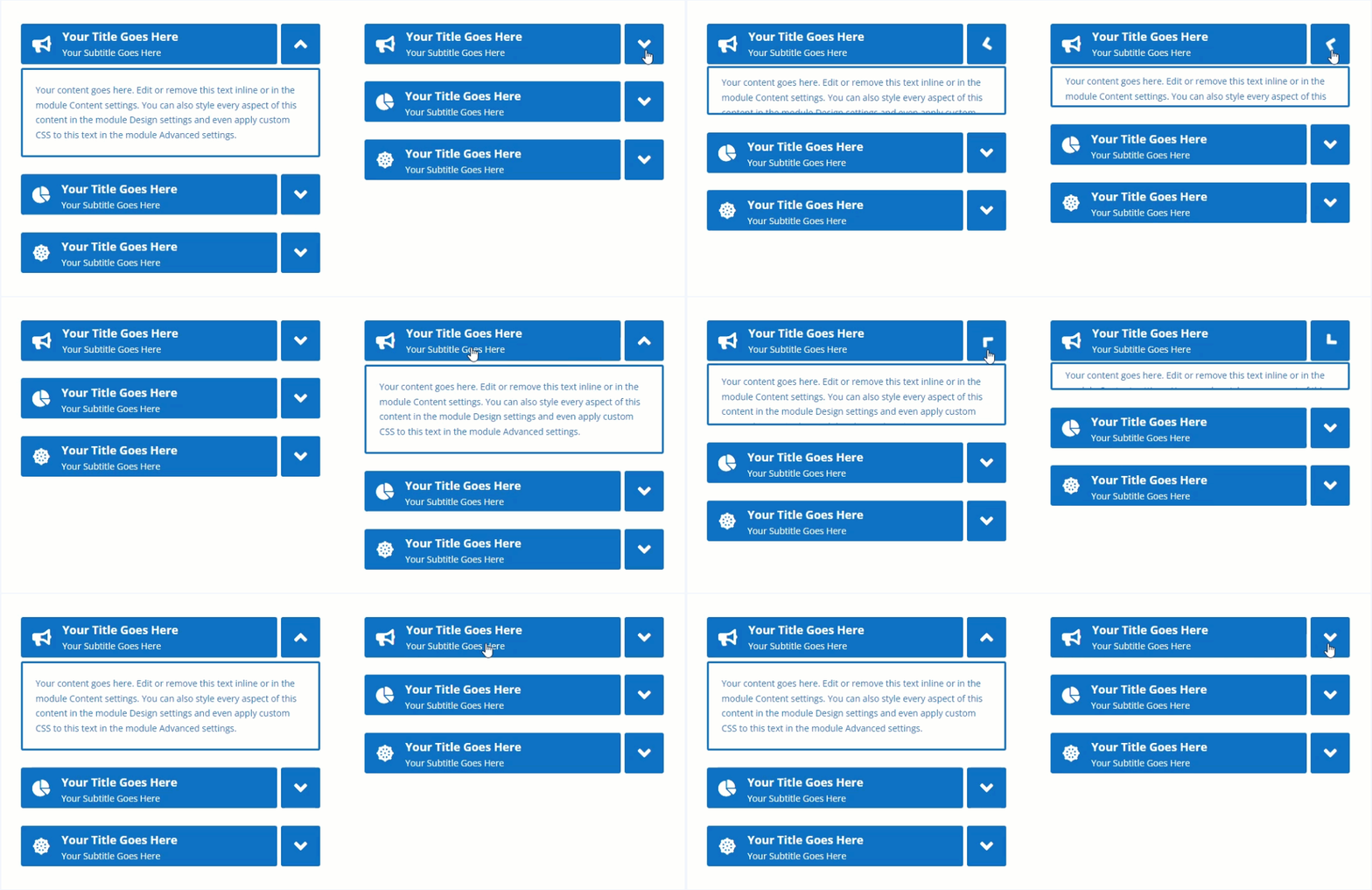
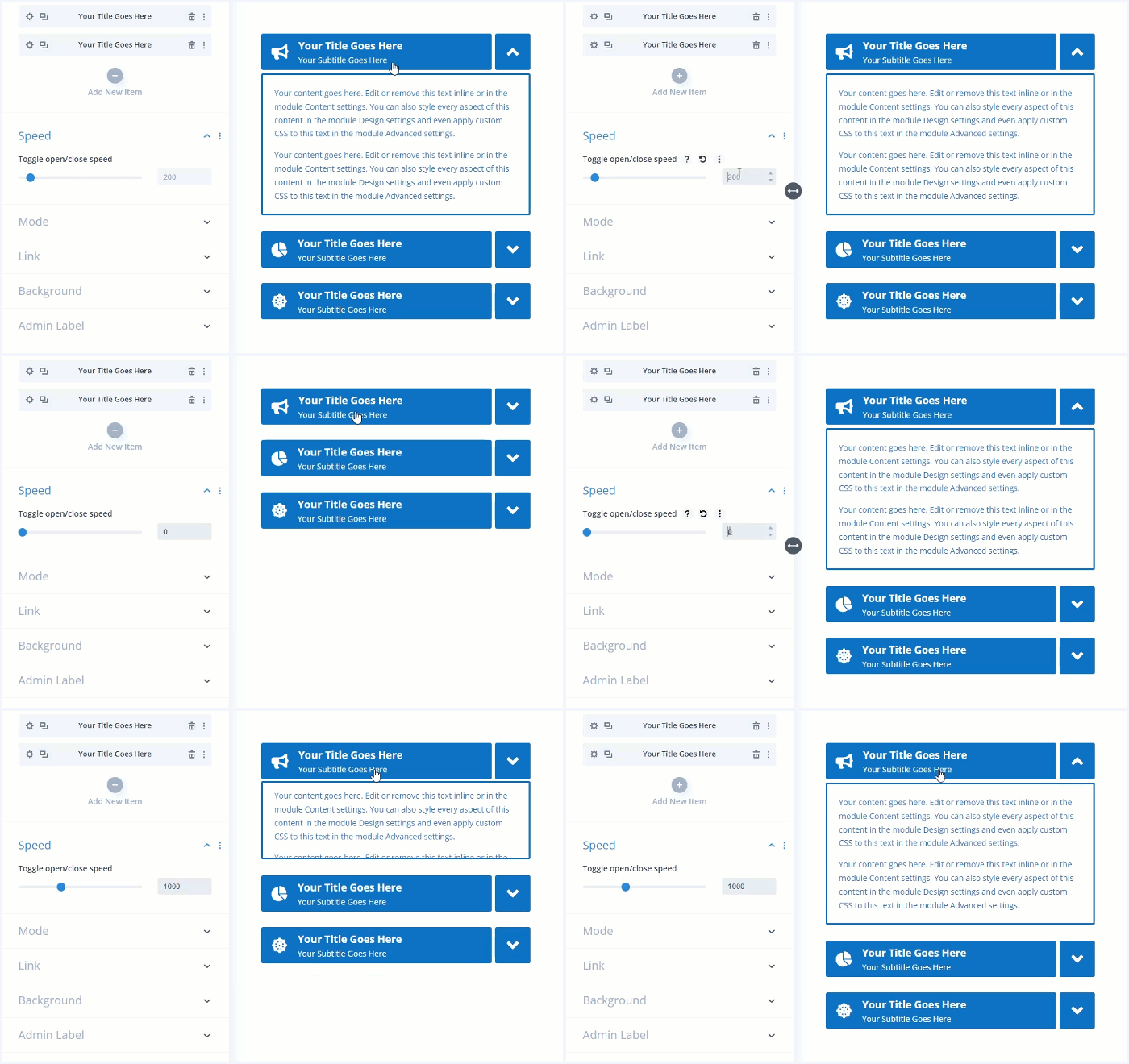
Open/close duration
Control the accordion item content opening/closing speed.
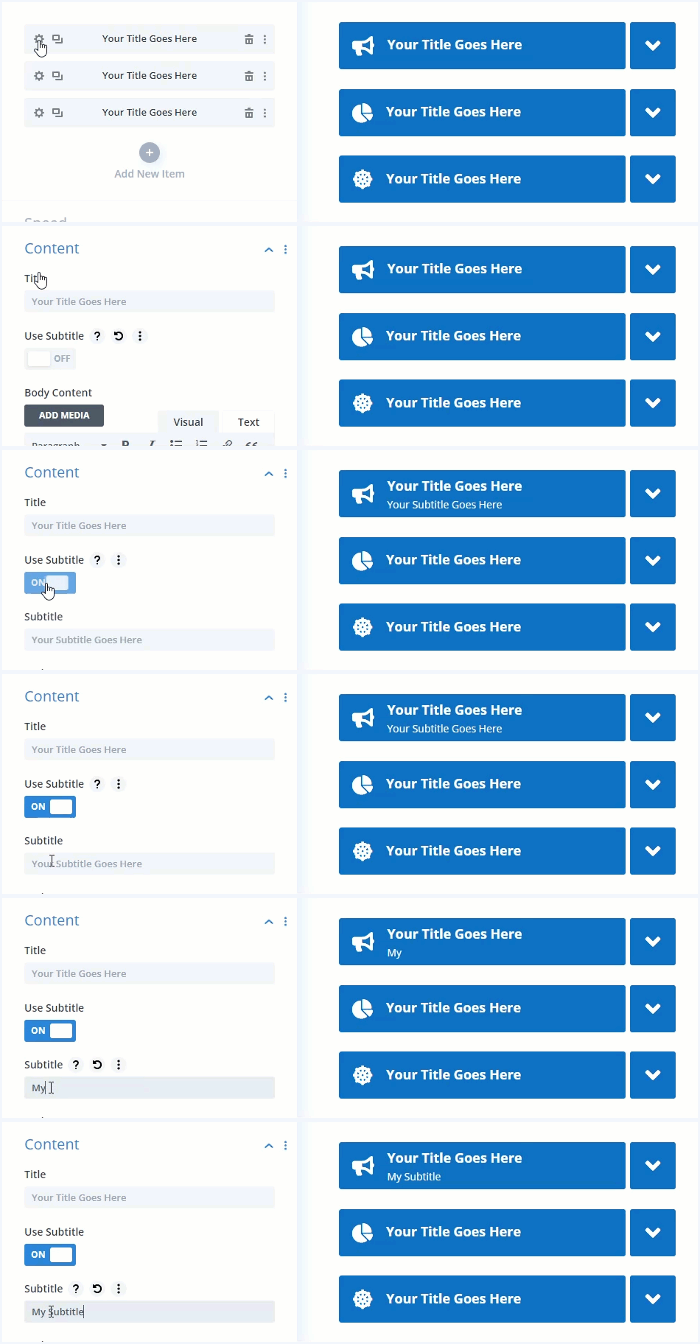
Add a subtitle(subheading)
Add a subtitle(subheading) to the accordion item header.
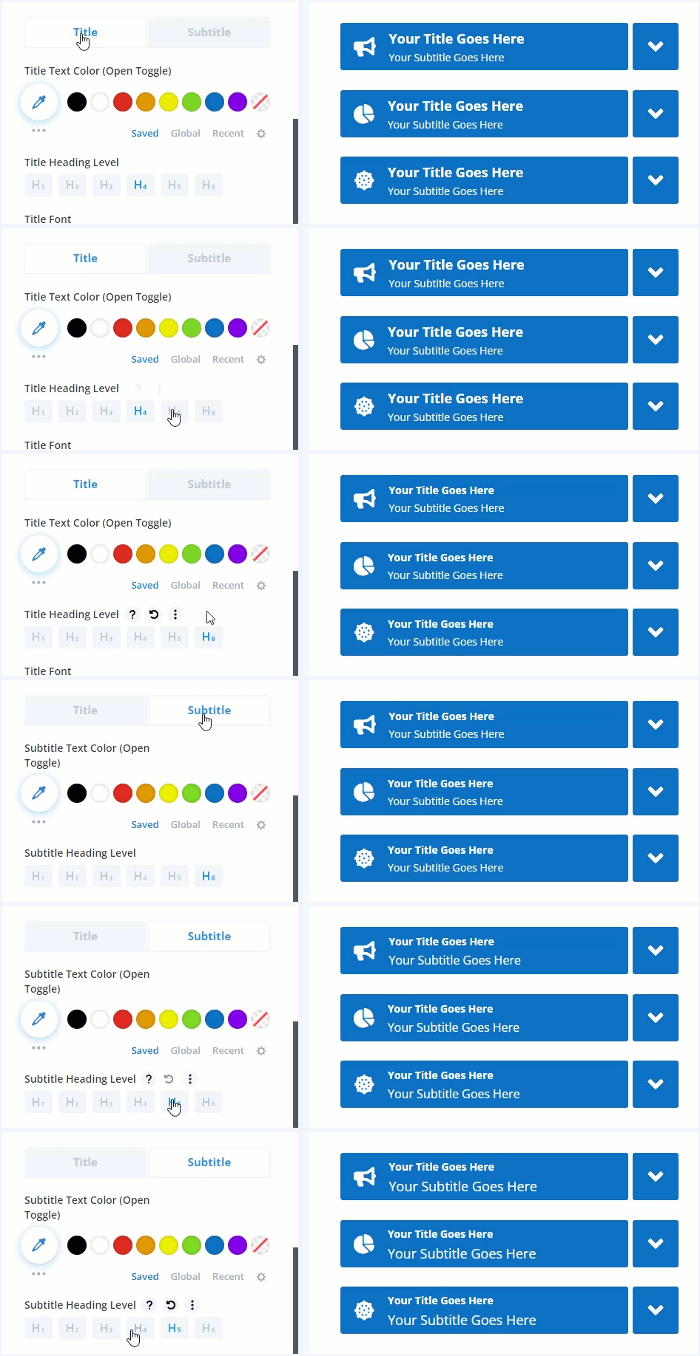
Set the title and subtitle heading levels (H1 – H6)
Set heading levels for the accordion item title and subtitle (H1 – H6). All other font options available as well.
Use icons for the accordion items
Enable left and/or right icons for the accordion items.

Use font icons or upload custom image icons
Use the available Divi or FontAwesome font icons, or upload custom image icons for accordion items.

Rotate icons when the accordion item is toggled
Rotate icon(s) when the accordion item header is clicked to expand/collapse it’s content. You can set the rotation degree as well.

Set the initial state for each accordion item individually
If you need an accordion item to be opened on initial page load then this is the feature you need. It allows you to set the initial state (open or closed) for any accordion item individually.